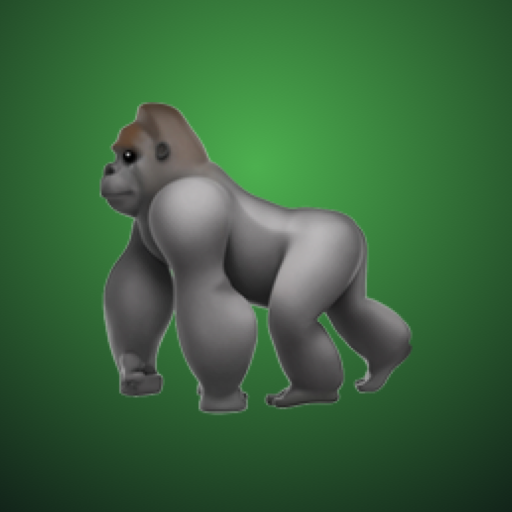
When the kids won't listen,
Call The Gorilla!
A parenting helper for iPhone. You video-call a grumpy silverback gorilla, and the kids overhear him wondering why nobody is listening to you.
Coming soon to the App StoreAdd the kids' first names and what they're up to, and give your gorilla any name you like (he starts out as Big Gus). It takes ten seconds, and it stays on your phone.
The gorilla picks up with a growl. You talk to him like any grown-up on speakerphone, and the kids hear every word.
He gets grumpier while they keep it up, and calms down the moment they start listening.
Made for grown-ups
The gorilla only ever talks to the parent. He never asks to speak to the kids, and the app is meant to be used by you, not handed to children. He's gruff, but never threatens anything real. It's a game the whole family is in on.
Our story
It started with a gorilla statue in the park that our kids were terrified of. Read how it became Call the Gorilla, and our tips for using the gorilla.